Lupe

Everything a professional
editor does, except
you can just ask.

Just say what you want. It adjusts the light and colour the way a pro would, and shows you what it changed. Nothing in your photo gets redrawn.

Your photographs never leave your device.
Why it behaves differently

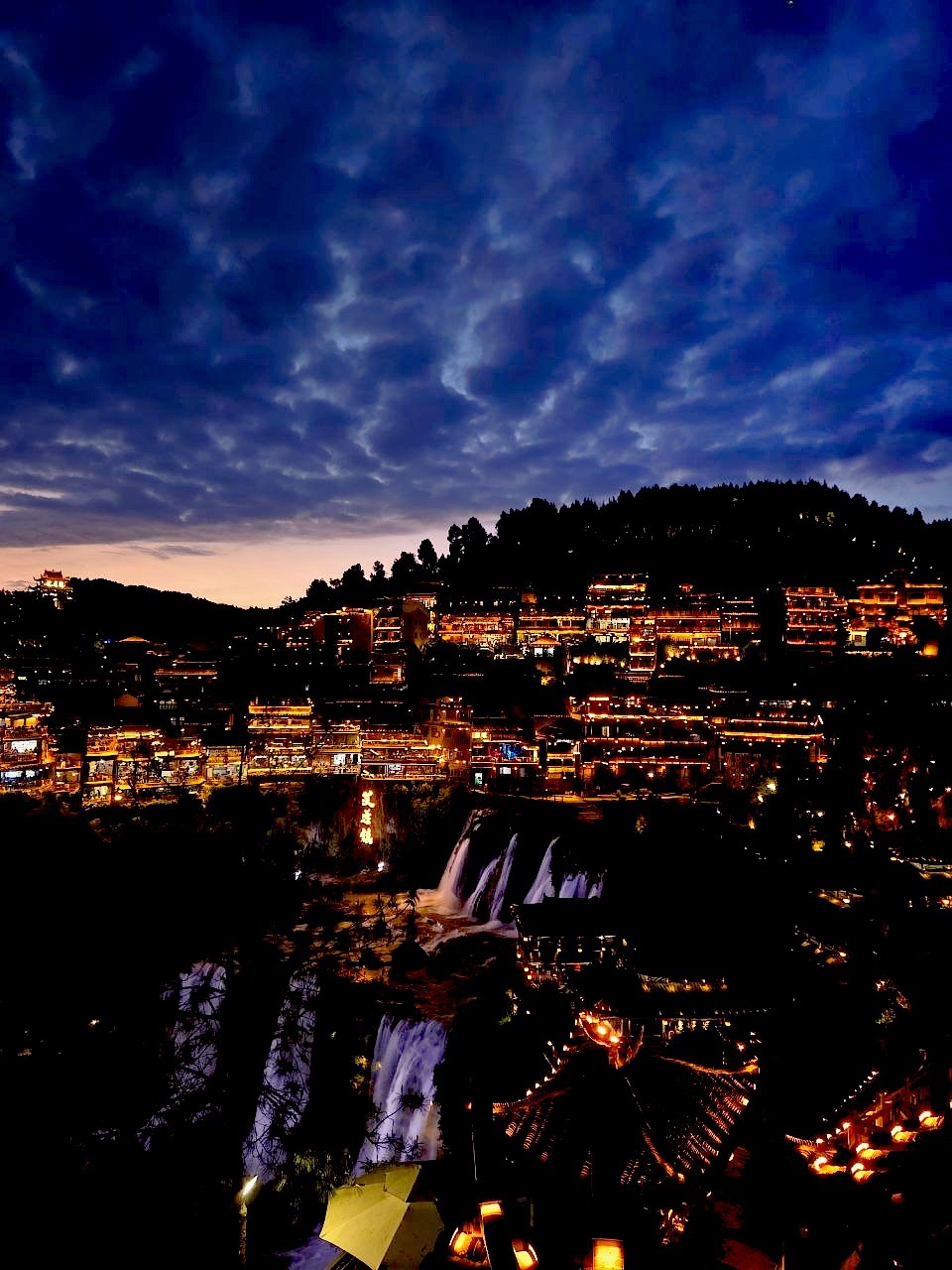
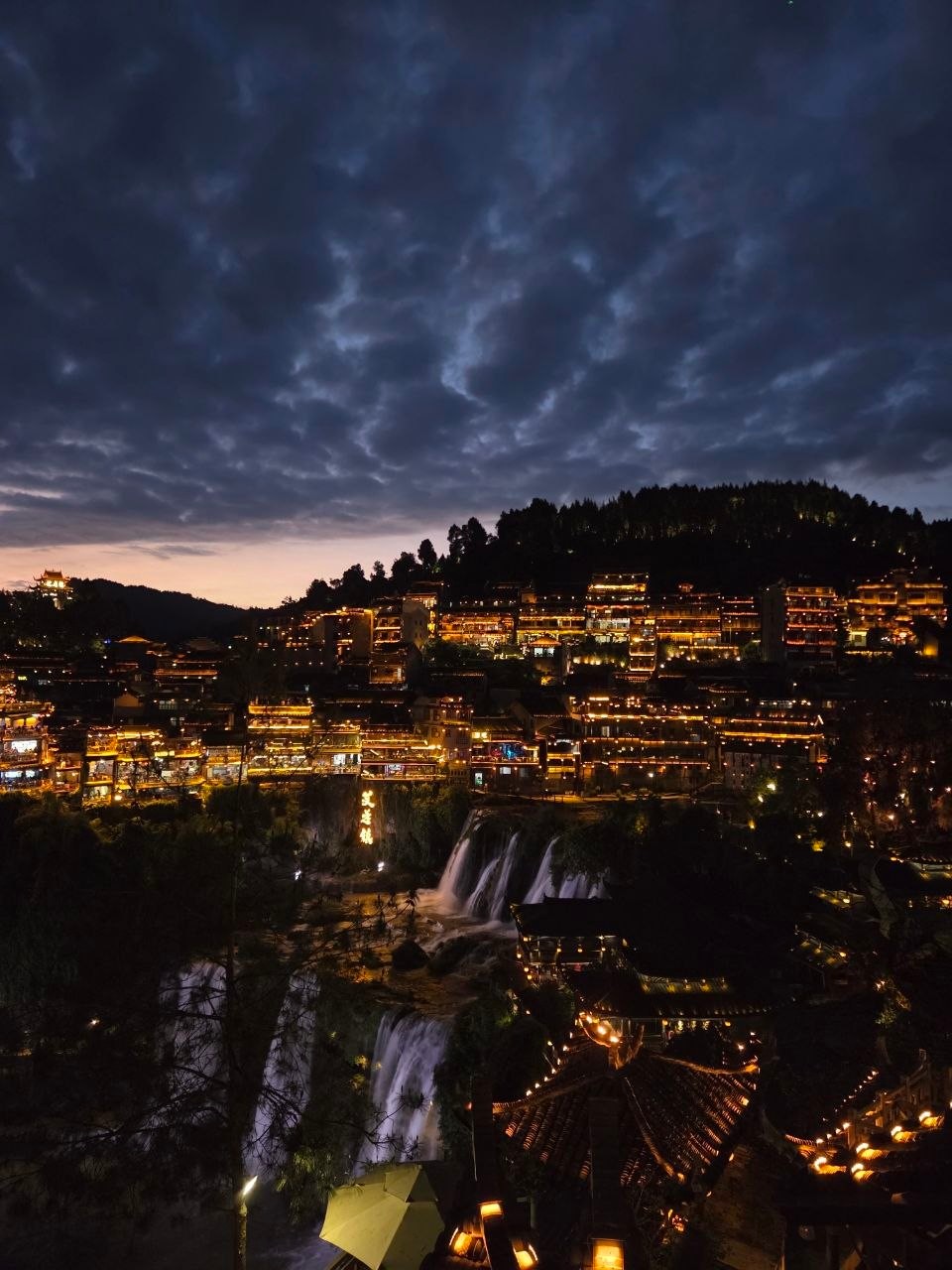
An image generator makes a picture that looks like your photo. Loupe keeps the one you took.

01Loupe · 400

Loupe

Exposure +0.4 · Warmth +12

Image generator


It cannot invent anything

It only adjusts what was already in your photo, like brightness and colour. It doesn’t redraw anyone’s face.

02Loupe · 400

It keeps notes on your taste

When you keep an edit or pick a suggestion, it writes that down. Over time that becomes a short note on how you like your photos.

03Loupe · 400

It tells you why, every time

After each change it tells you what it did and why. If you don’t like one, you can undo just that.

What a session looks like

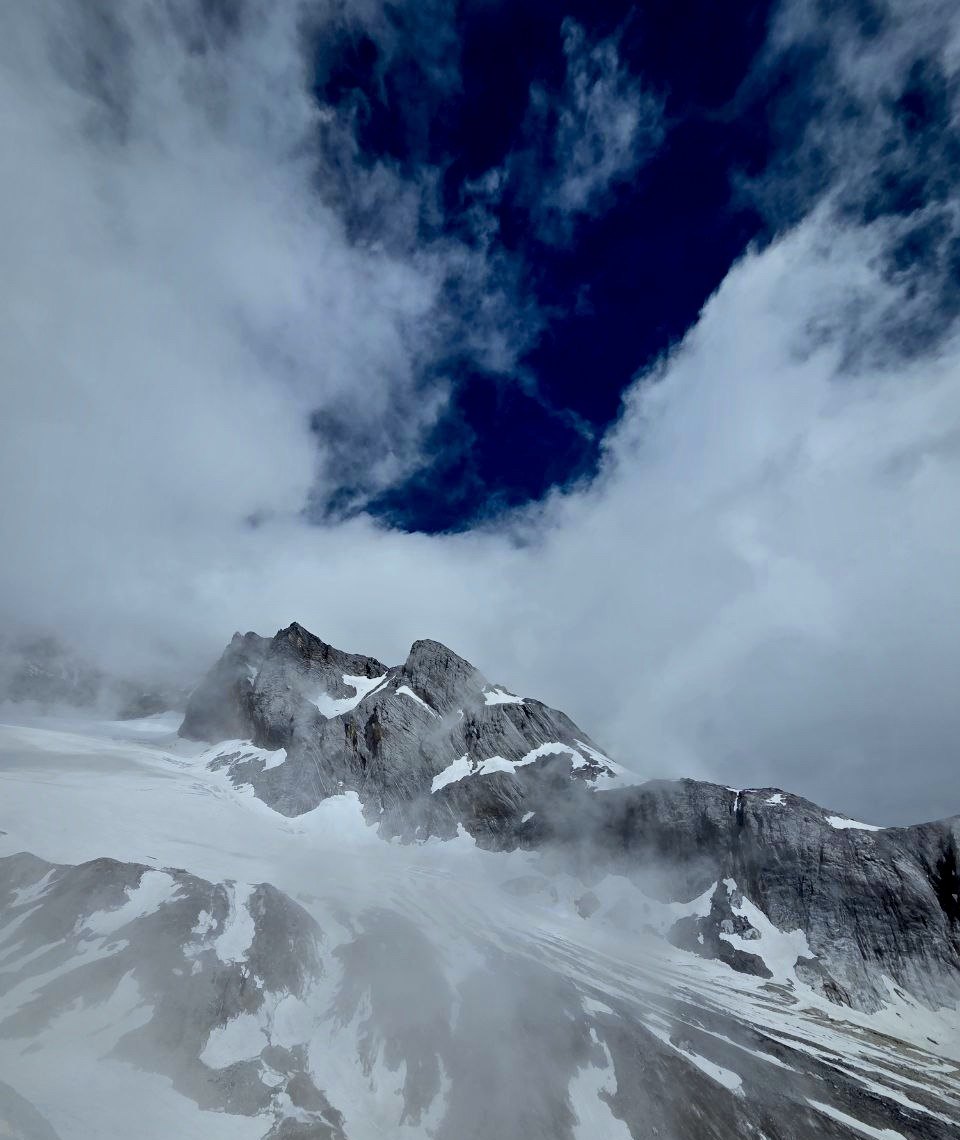
IMG_2481.HEIC3024 × 4032 · never uploaded
A snow peak in cloud, graded to a cold, dark tone.
The frame, after both turns

can you make this a really cold looking picture so i can post on ig

The numbers were clean — no clipping, no noise — so it was all mood. I cooled the frame toward icy blue and deepened the sky, then eased the highlights back when the snow began to clip.

Temperature−28Blue+25Clarity+15

okay wait i meant more like a darker tone

Darker and moodier rather than bright and crisp — I dropped the exposure, sank the blacks, and added a soft vignette to pull the eye into the peaks.

Exposure−0.40Blacks−12Vignette−25

Try it now

Drop a photo. Start editing.

No account, no setup. Bring one of your own photographs and ask for an edit. The first one is on us.

Drop a photo hereor click to choose one

Your photo never leaves your device. JPEG, HEIC, PNG, WebP, or camera RAW on a computer, up to 200MB.

Before you ask

Questions we get.

Does my photo get uploaded?

No. The file stays in your browser and we never hold the pixels. When you ask for an edit, a small preview, at most 512 pixels across, is sent to the AI model so it can look at the picture. It is not stored.

Will it change my face?

It cannot. Loupe only moves the same controls a retoucher would: exposure, highlights, white balance, a curve, a mask. Nothing is redrawn, so faces, skin and detail stay exactly as you shot them. Why AI editors change faces, and how to avoid it →

What can I ask for?

Anything you would say to a person editing your photo. Ask for an edit ("the sky is blown out", "make it feel like evening", "keep the face warm and cool the background"). Or ask for its eye instead: "why does this look flat?", "is it too warm?", "which crop is stronger?", "what would you do here?" It answers in plain words, and when it does edit it tells you what it moved and why.

What is free?

Ten AI edits a month, every manual control, and unlimited photographs. Pro and Max add more edits. Founding prices are on the pricing page and stay at that rate for as long as you keep the plan.

Does it work on my phone?

Yes. Open loupeeditor.com in your phone browser, or add it to your home screen and it runs as an app. The same photos and edits are there on any device you sign in from.

What file types can I open?

JPEG, HEIC, PNG, WebP, AVIF and GIF, and on a computer, camera RAW: Canon, Nikon, Sony, Fujifilm, iPhone ProRAW and most other cameras. A RAW opens looking like your camera's own JPEG, with the extra highlight and shadow detail still there to work with. Files can be up to 200MB on a computer and 40MB on a phone. Everything is developed in your browser at full resolution, and downloads are full size.

That photo you never quite got right? Bring it.

Loupe: AI photo editor that never redraws your photo